

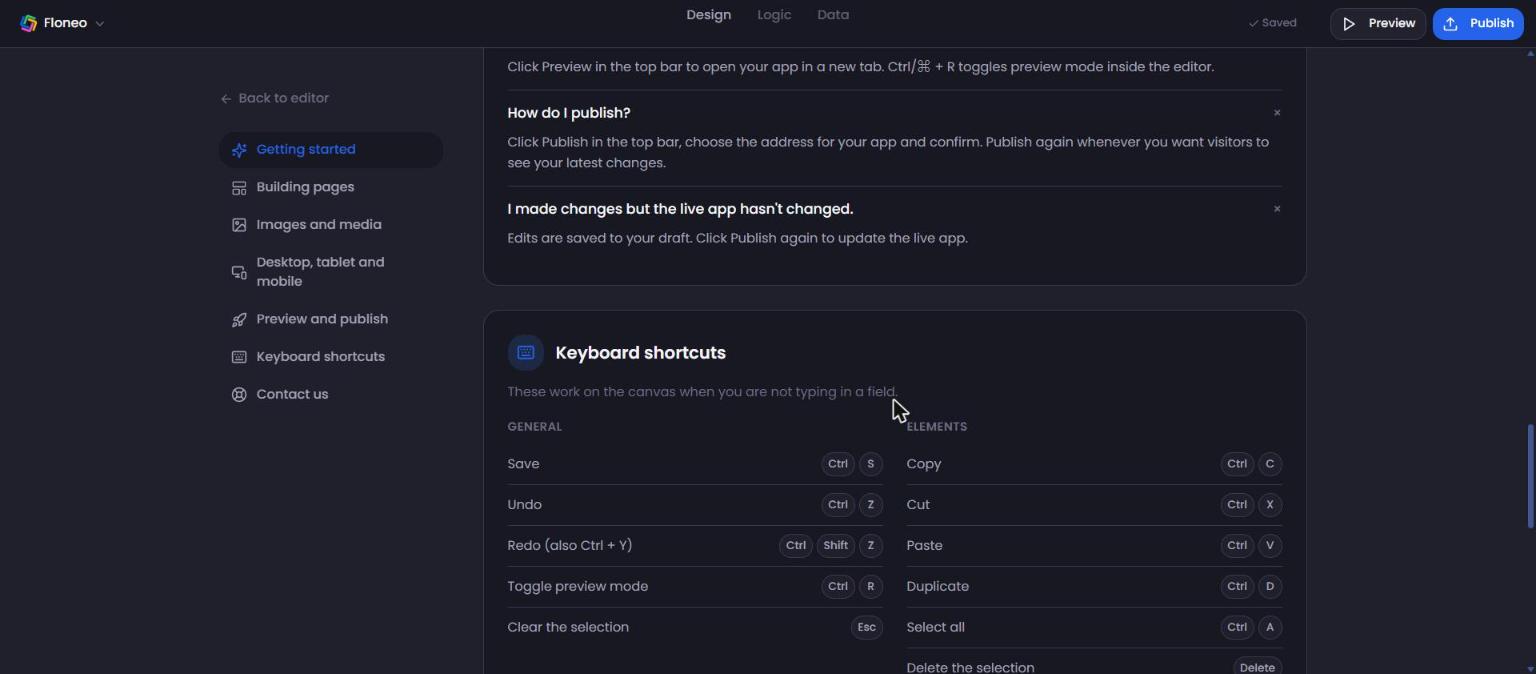
Keyboard shortcuts
These work on the canvas when you're not typing in a field. On Mac, use ⌘ instead of Ctrl.
General
| Action | Shortcut |
|---|---|
| Save | Ctrl + S |
| Undo | Ctrl + Z |
| Redo | Ctrl + Shift + Z (or Ctrl + Y) |
| Toggle preview mode | Ctrl + R |
| Clear the selection | Esc |
| Notifications | F8 |
Elements
| Action | Shortcut |
|---|---|
| Copy / Cut / Paste | Ctrl + C / X / V |
| Duplicate | Ctrl + D |
| Select all | Ctrl + A |
| Delete the selection | Delete |
| Group / Ungroup | Ctrl + G / Ctrl + Shift + G |
| Lock or unlock | Ctrl + L |
| Hide or show | Ctrl + H |
| Nudge 1px (hold Shift for 10px) | Arrow keys |
Layers
| Action | Shortcut |
|---|---|
| Bring forward / Send backward | Ctrl + ] / Ctrl + [ |
| Bring to front / Send to back | Ctrl + Shift + ] / Ctrl + Shift + [ |
Canvas and pages
| Action | Shortcut |
|---|---|
| Pan the canvas | Hold Space |
| Zoom in / out | Ctrl + = / Ctrl + - |
| Reset the view | Ctrl + 0 |
| New page | Ctrl + N |
| Go to page 1–9 | 1 – 9 |
💡 Some shortcuts (Ctrl + R, Ctrl + N, Ctrl + H) are also browser shortcuts. They work for FloNeo when your cursor is on the canvas.
Didn't find your answer? Contact support